
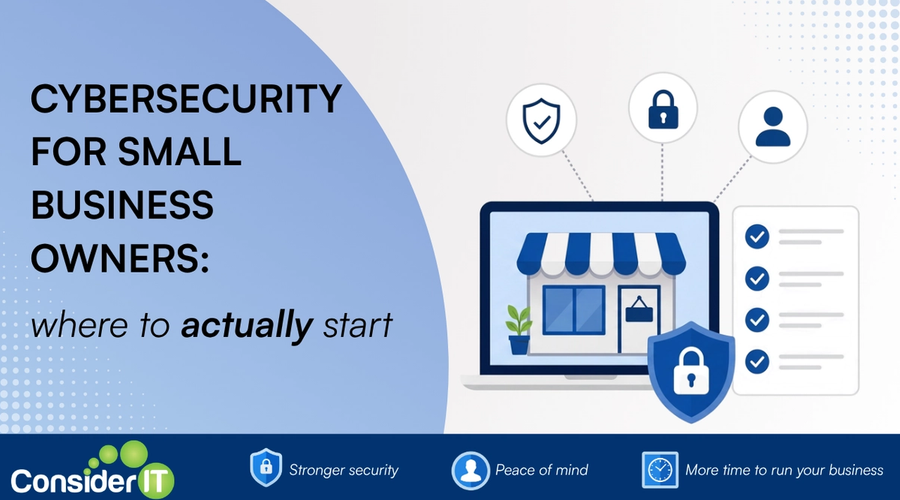
Cyber security can feel like an impossibly long to-do list. Especially when you're running a business that doesn't have a CIO, doesn't have a security team, and is also doing payroll, supplier reviews, and an awkward conversation with a customer this afternoon.
Here's a short, in-priority-order starting list. If you do nothing else this quarter, do these.
1. Turn on multi-factor authenticationA second check on top of your password, such as a code on your phone, that stops most account break ins.
Everywhere. Email, accounting, cloud storage, anywhere your data lives. It's the single most effective control you can deploy. It takes minutes per account.
2. Back up your cloud data
Microsoft 365Microsoft's subscription bundle of email, Office apps and online storage used by many businesses. and Google Workspace don't back up your data the way most owners assume. A separate backupA spare copy of your data kept somewhere safe so you can recover it if something goes wrong. that runs multiple times a day, kept somewhere independent, is essential.
3. Get a password managerA secure app that creates and remembers strong, unique passwords for you so you do not have to.
Every staff member, every account. Stop reusing passwords across systems. The good password managers also detect when one of your passwords appears in a breach and promptThe instruction or question you give an AI tool to get the result you want. you to change it.
4. Train your team
Even a short, regular bit of training reduces phishingFake emails or messages that trick you into giving up passwords or clicking dangerous links by pretending to be someone you trust.-click rates dramatically. People are trainable, and the payoff is large.
5. Have a plan for when something goes wrong
Even with all of the above, something will go wrong eventually. A simple, written incident plan will turn a panicked Monday morning into an organised one. Who do we call? Who do we tell? What do we say?
If you'd like a hand putting any of these in place, that's exactly what we're here for.
Was this useful?
Enjoyed this article? Join our newsletter for more.
We respect your inbox. Unsubscribe anytime.